How Can We Help?
Managing Promotions
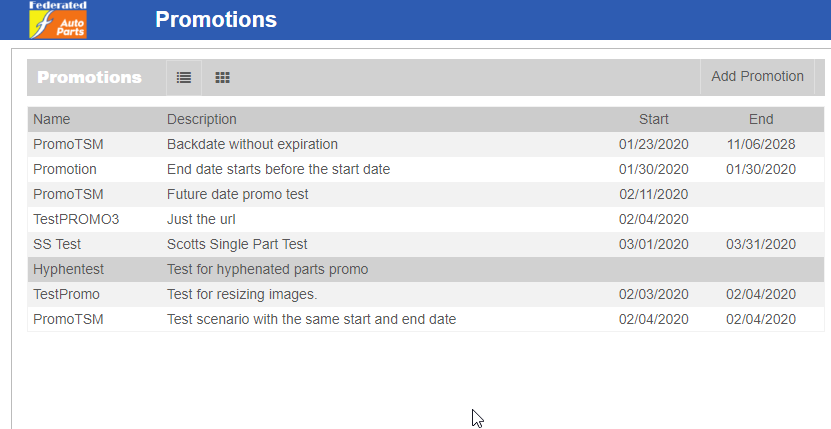
Open the Promotions page from the main menu. You will see the ‘Add Promotion’ button on the top of the screen.
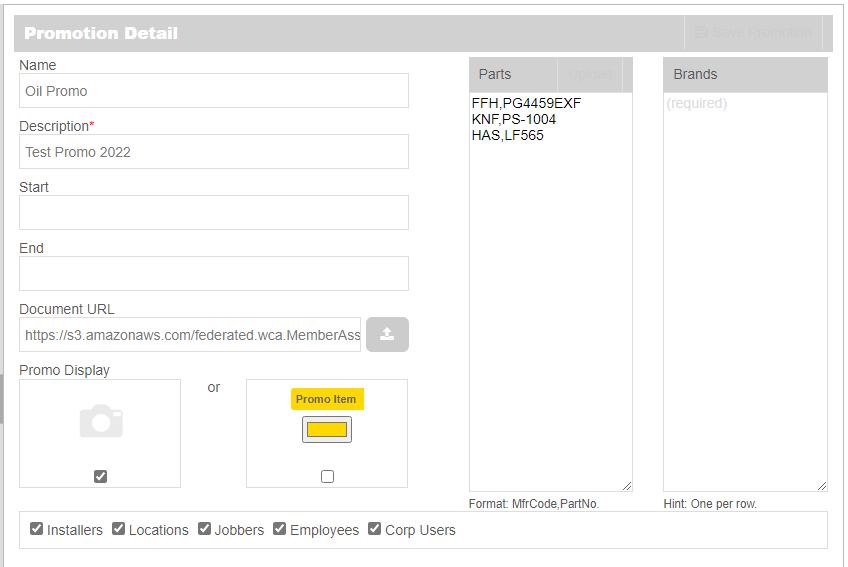
- Click Add Promotion
- Enter the necessary data to set up a promotion
- Make sure to follow the format for entering parts: MfrCode,PartNo (no spaces), or single brand names per row.
- For Promo Display you can click the camera icon to upload your own image, or use the default Yellow banner
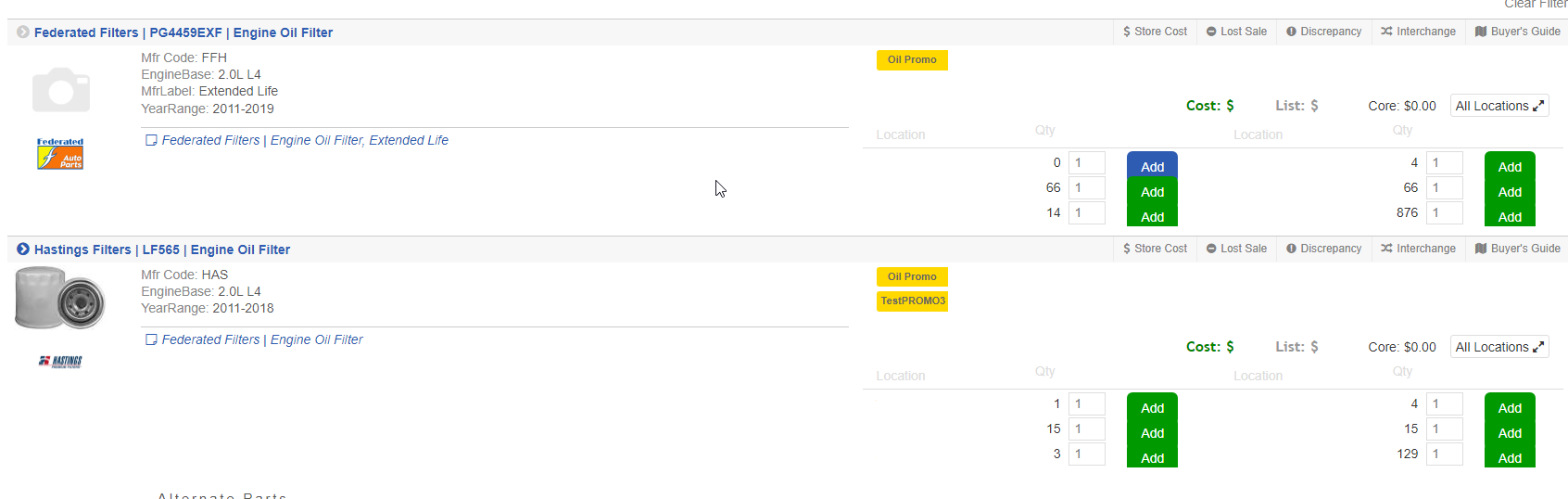
**Note – Parts/Brands can be part of multiple promotions at the same time