How Can We Help?
Plate & VIN Vehicle Search
Plate Search
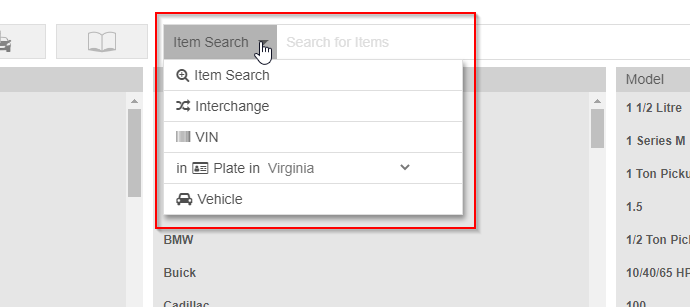
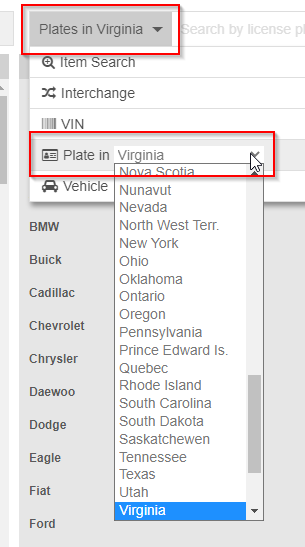
Use the Plate search by clicking the Search header and selecting ‘VIN’ or ‘Plate in’ and using the drop-down to select the appropriate state or territory. If you select ‘VIN’ simply enter your vehicles VIN directly into the search field and it will return as seen below.
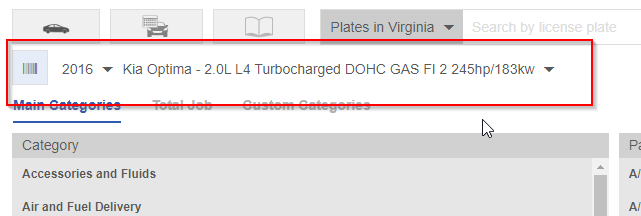
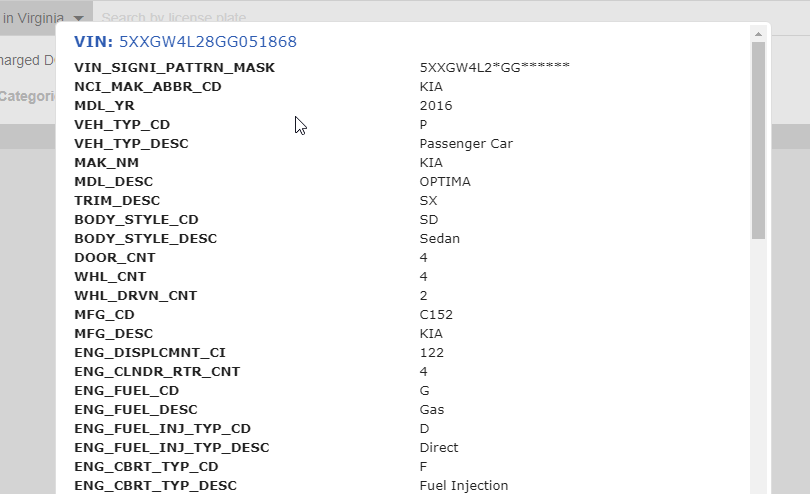
Once you have searched for your vehicle, it will display above the Categories along the left of the screen along with the ‘VIN Decode’ button.
Clicking this button will open a window showing all of your vehicle’s attributes.
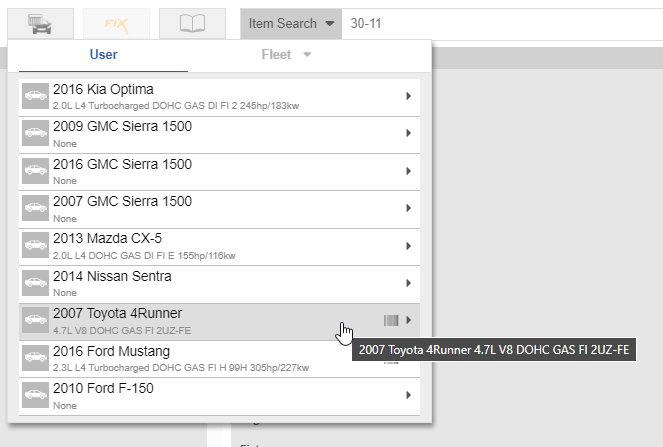
Using this feature also displays the barcode symbol in your Previous Vehicles list, indicating that this is a vehicle that you looked up via VIN or Plate search. Example below: